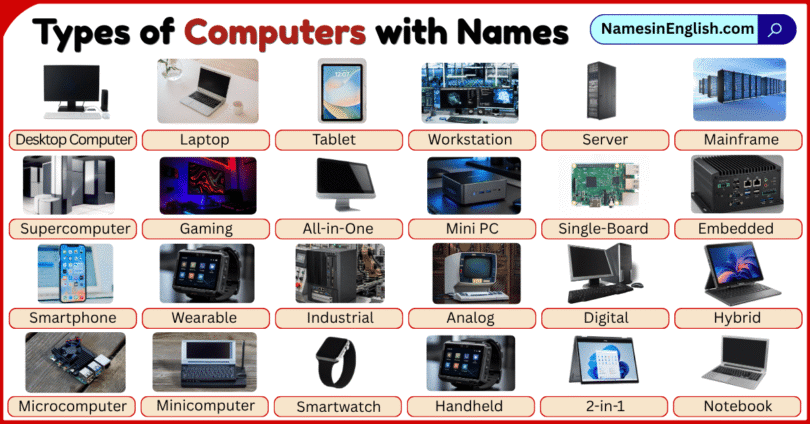

Computers are electronic devices used to process information, store data, communicate, study, work, and perform many everyday tasks. They come in different forms, including desktop computers, laptops, tablets, workstations, mainframes, and supercomputers, each designed for specific needs and levels of performance. Learning the different types of computers is a useful way to improve English vocabulary while understanding common computer technology. In this article, you will learn computer types and names with clear pictures and simple explanations, helping kids, students, teachers, beginners, and English learners easily identify, understand, compare, remember, and use these computer names with confidence.
What Is a Computer?
A computer is an electronic device that accepts data, processes it according to instructions, can store data, and produces useful results called output.
For example, when you type numbers into a calculator program, the computer receives the numbers as input, performs the calculation, and displays the answer as output.
Modern computers can perform many tasks, including:
- Creating documents
- Browsing websites
- Running software
- Playing games
- Editing pictures and videos
- Sending messages
- Storing files
- Processing business data
- Controlling machines
- Performing scientific calculations
Computers differ greatly in size, processing power, portability, purpose, hardware, and number of users supported.
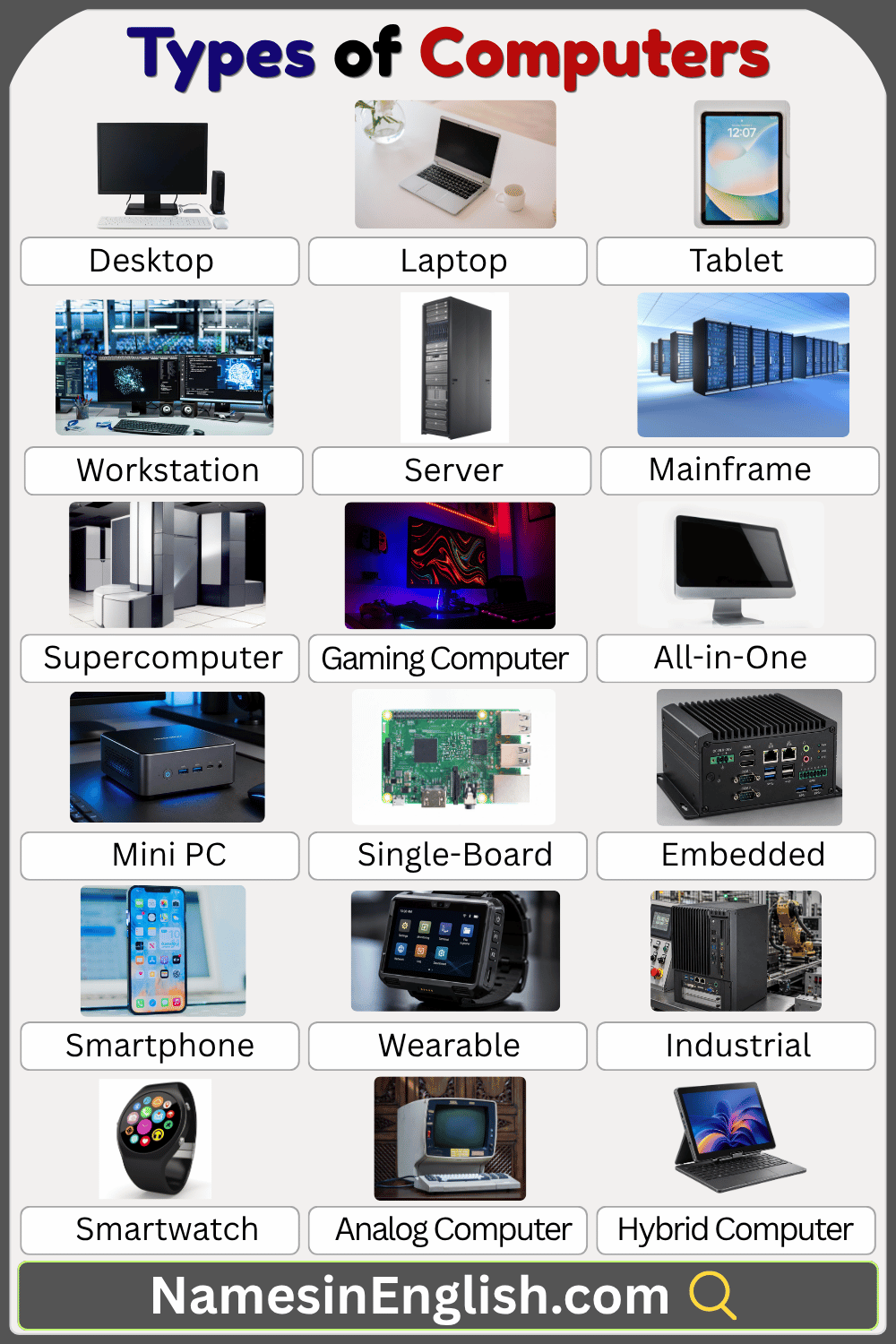
Common Types of Computers with Names
Computer terminology can be confusing because computers can be grouped in several ways. Some names describe physical form, while others describe computing power or purpose.
| Computer Type | Common Use |
|---|---|
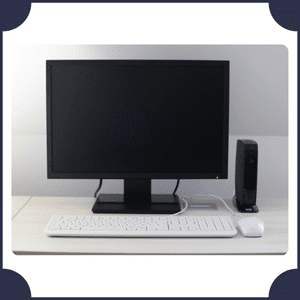
| Desktop Computer | Home, school, office |
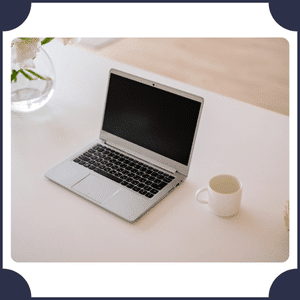
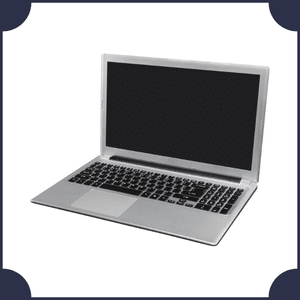
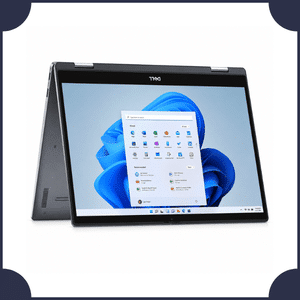
| Laptop | Work, study, travel |
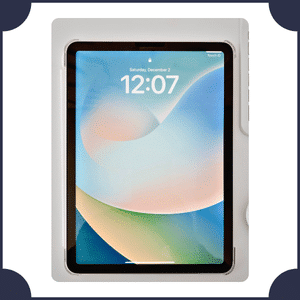
| Tablet Computer | Learning, entertainment |
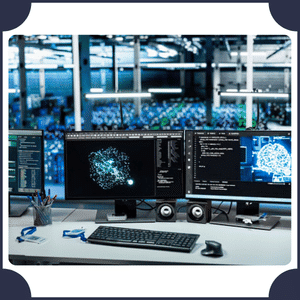
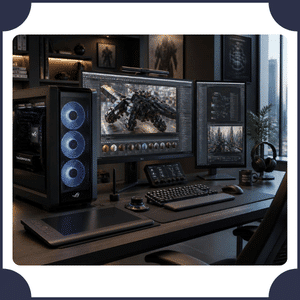
| Workstation | Engineering, design, science |
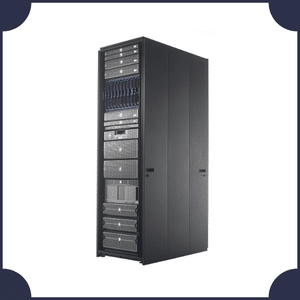
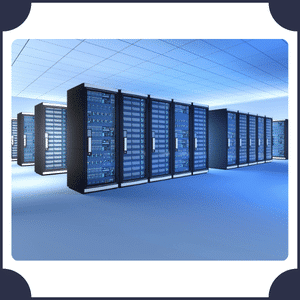
| Server | Websites, files, applications |
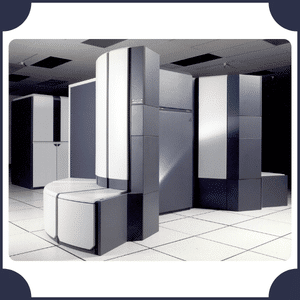
| Mainframe Computer | Banks, governments, large organizations |
| Supercomputer | Science, weather, research |
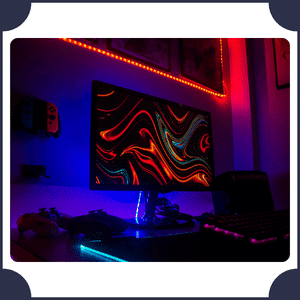
| Gaming Computer | Gaming |
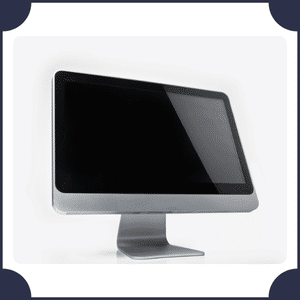
| All-in-One Computer | Home, office |
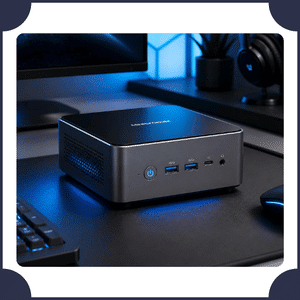
| Mini PC | Home, business |
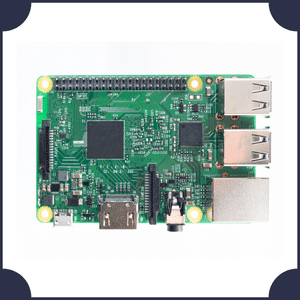
| Single-Board Computer | Education, electronics projects |
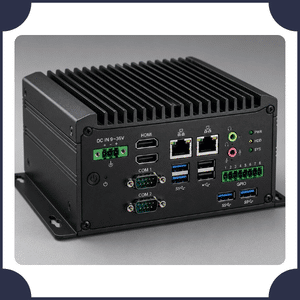
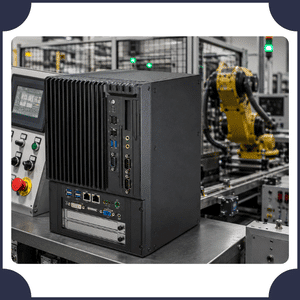
| Embedded Computer | Cars, appliances, industrial systems |
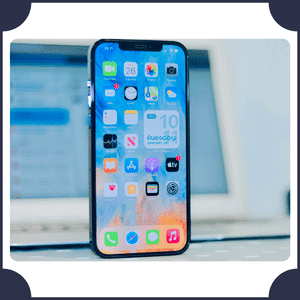
| Smartphone | Communication, apps, internet |
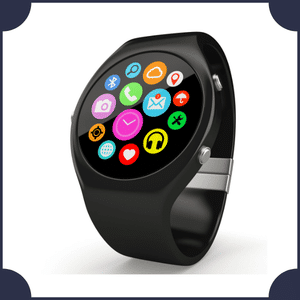
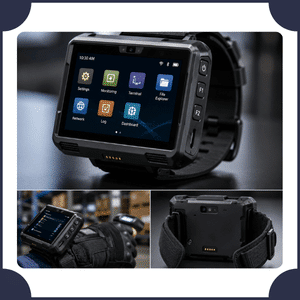
| Wearable Computer | Fitness, communication, health monitoring |
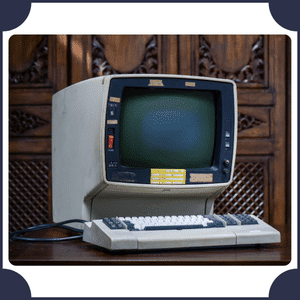
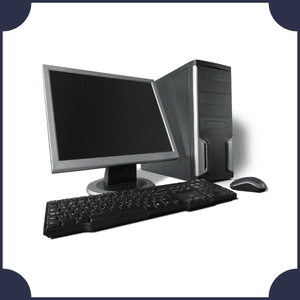
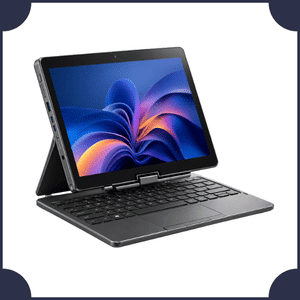
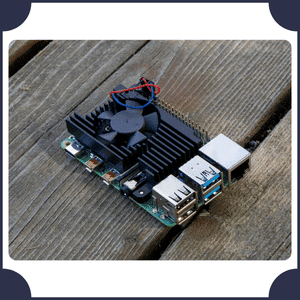
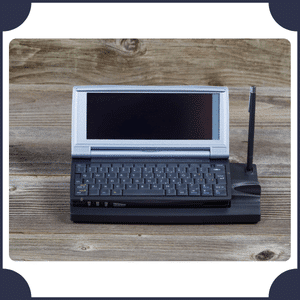
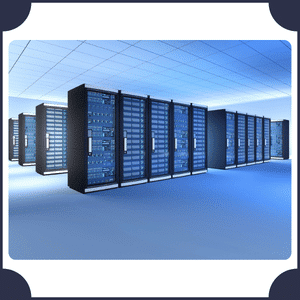
Mainframe vs. Supercomputer
Mainframes and supercomputers are both powerful, but they are optimized for different kinds of work.
| Feature | Mainframe | Supercomputer |
|---|---|---|
| Main Strength | Large-scale reliable processing | Extremely fast computation |
| Typical Work | Transactions, business data | Simulations, scientific calculations |
| Common Users | Banks, governments, enterprises | Scientists, researchers, engineers |
| Key Priority | Reliability, throughput, many workloads | Computational performance |
| Example Task | Processing financial transactions | Modeling weather or climate |
These categories can involve complex architectures, so processing power alone does not determine whether a system is a mainframe or supercomputer.
Desktop vs. Laptop
Both are personal computers, but their designs are different.
| Feature | Desktop | Laptop |
|---|---|---|
| Portability | Low | High |
| Screen | Usually separate | Built in |
| Keyboard | Usually separate | Built in |
| Battery | Usually no | Yes |
| Upgrades | Often easier | Usually more limited |
| Space Needed | More | Less |
| Typical Use | Fixed workspace | Mobile or flexible work |
A desktop is useful when portability is not important. A laptop is more convenient when the computer needs to move between locations.
Basic Parts of a Computer
Understanding computer parts is useful when learning the different types of computers.
Central Processing Unit
The CPU (Central Processing Unit) executes instructions and performs many of the calculations needed by programs. It is often informally called the processor.
Memory
RAM (Random Access Memory) temporarily holds data and instructions that active programs need. More RAM can allow a computer to work with more applications or larger workloads at the same time, although overall performance also depends on other hardware and software.
Storage
Storage keeps files and programs for longer-term use. Common storage technologies include:
- SSD (Solid-State Drive)
- HDD (Hard Disk Drive)
SSDs generally provide faster data access than traditional mechanical hard drives.
Motherboard
The motherboard is the main circuit board that connects many important computer components.
Graphics Processing Unit
A GPU (Graphics Processing Unit) performs graphics-related calculations and is also widely used for certain parallel computing workloads.
GPUs are important in areas such as gaming, 3D rendering, scientific computing, and many AI workloads.
Input Devices
Input devices allow information or commands to enter a computer.
Examples include:
- Keyboard
- Mouse
- Microphone
- Scanner
- Touchscreen
- Webcam
Output Devices
Output devices present information produced by the computer.
Examples include:
- Monitor
- Printer
- Speakers
- Headphones
- Projector
Hardware and Software
Hardware means the physical components you can touch, such as the keyboard, processor, monitor, motherboard, and storage drive.
Software means programs and instructions that run on the hardware. Examples include operating systems, web browsers, games, word processors, and educational applications.
How Are Computers Classified?
There is no single modern classification that places every computer into one exclusive category. Computers can instead be described according to several characteristics:
- Physical design: desktop, laptop, tablet
- Purpose: gaming computer, workstation, server
- Performance role: mainframe, supercomputer
- Portability: desktop, laptop, handheld device
- Data processing: analog, digital, hybrid
- Implementation: embedded computer, single-board computer
- Historical size category: microcomputer, minicomputer, mainframe
Frequently Asked Questions About Types of Computers
What are the main types of computers?
Common modern types include desktop computers, laptops, tablets, workstations, servers, mainframes, supercomputers, embedded computers, and single-board computers. Computers can be classified in different ways, so there is no single list that covers every system.
What are the four traditional types of computers by size?
Older educational classifications commonly describe microcomputers, minicomputers, mainframes, and supercomputers. However, this system is partly historical and does not perfectly describe today’s computing landscape.
What is the most common type of personal computer?
Desktop and laptop computers are major forms of personal computers. Smartphones and tablets are also widely used personal computing devices, although they are usually discussed as separate product categories.
What is the difference between a laptop and desktop computer?
A laptop combines its main components, screen, keyboard, and battery in a portable design. A desktop is intended mainly for a fixed workspace and often uses a separate monitor, keyboard, and system unit.
What is the most powerful type of computer?
For large-scale scientific computation, supercomputers represent the highest-performance class of computing systems. However, “powerful” can mean different things depending on the workload being measured.
Is a smartphone a computer?
Yes. A modern smartphone is a general-purpose mobile computing device as well as a telephone. It has a processor, memory, storage, operating system, applications, and network connectivity.
What is an embedded computer?
An embedded computer is a computing system built into a larger product or machine to perform specific functions. Examples can be found in cars, appliances, industrial machines, and medical equipment.
What is the difference between hardware and software?
Hardware consists of the physical components of a computer. Software consists of programs and instructions that operate on the hardware.
Common Types of Computers with Names and Pictures
Learn More Helpful Articles